Overview
This article outlines the available methods for contacting support when an issue occurs.How to Contact Support
You can contact support using one of the following options:- MSP Process Portal
- Alpha, our KB Assistant on the Knowledge Base site
- Contact support directly via email at help@support.mspprocess.com
MSP Process Portal
If you are logged in to your MSP Process portal, you can access support through blue circle with the question mark in the top right-hand corner.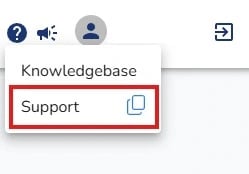
Alpha
While on the Knowledge Base site, you may notice a little wolf icon in the bottom-right corner. If you select this, a pop-up will appear to assist with support questions through Alpha, our AI KB assistant.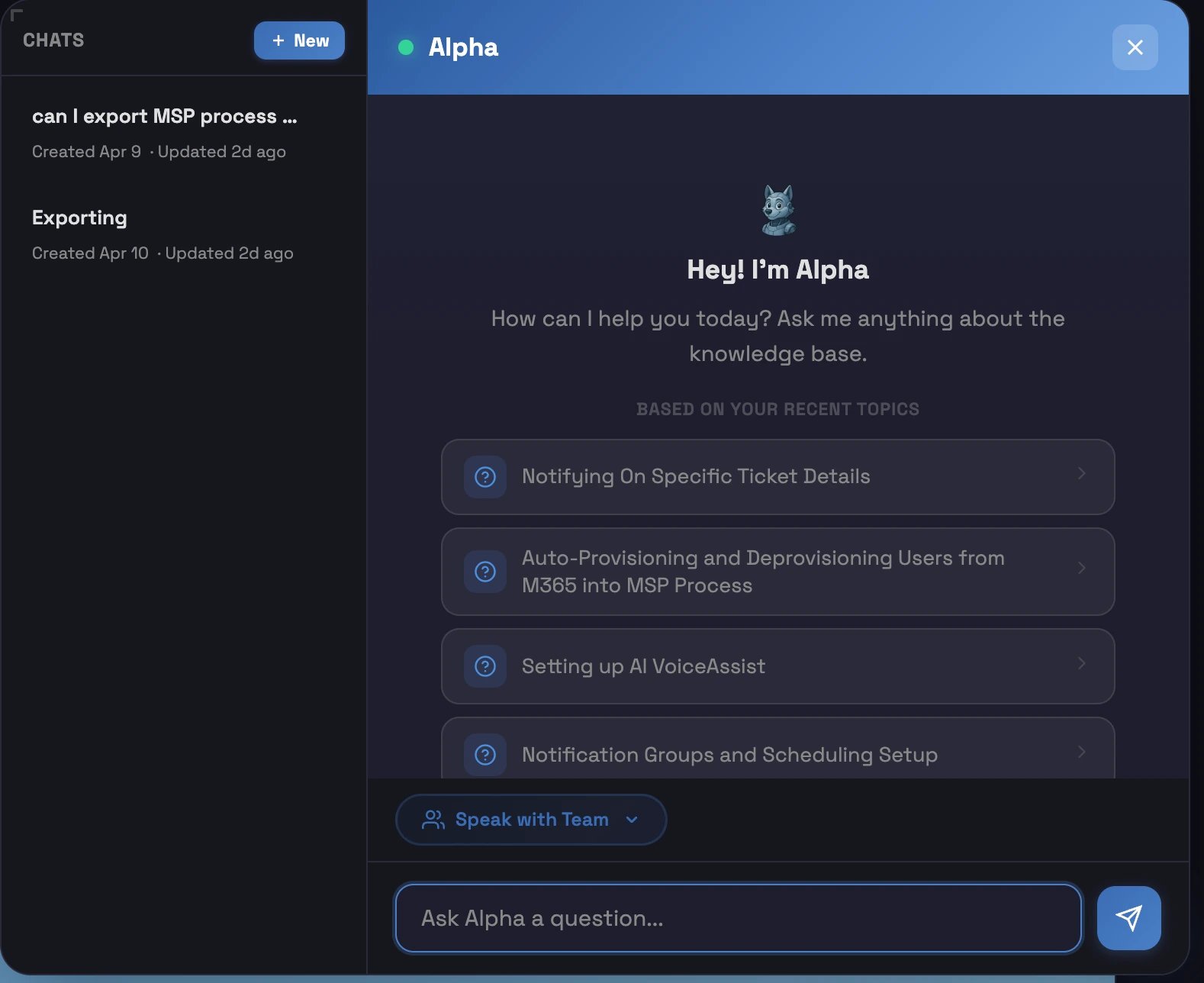
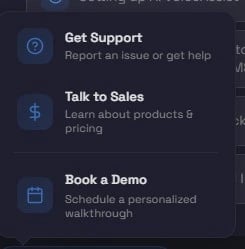
- Get Support
- This option will allow you t get support with an issue you are experiencing, or assistance with the product.
- Talk to Sales
- This option will allow you to speak with the Sales team to learn more about the product and the pricing.
- Book a Demo
- This option will allow you to set up a 30 minute meeting to get a look at the product and features.